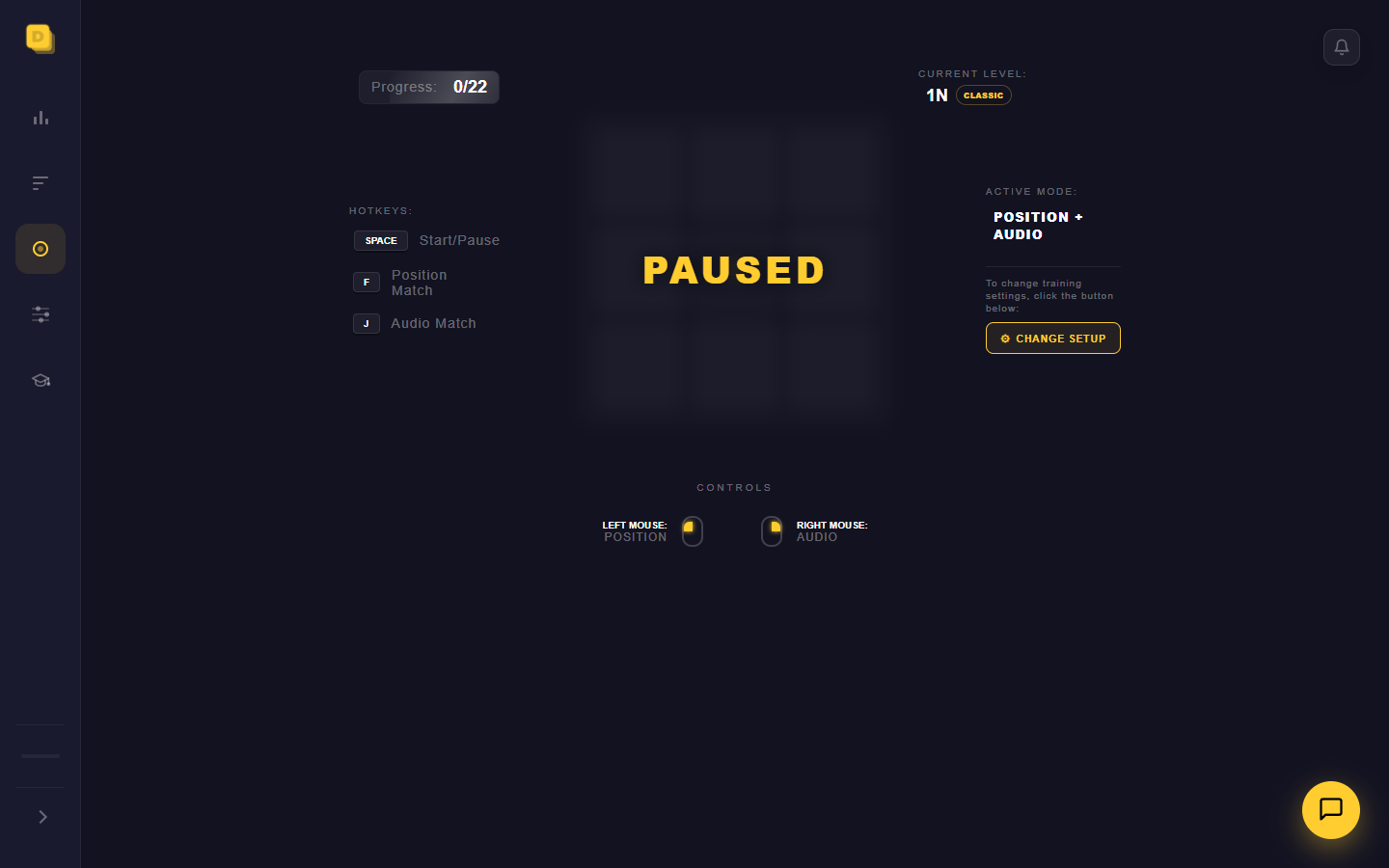
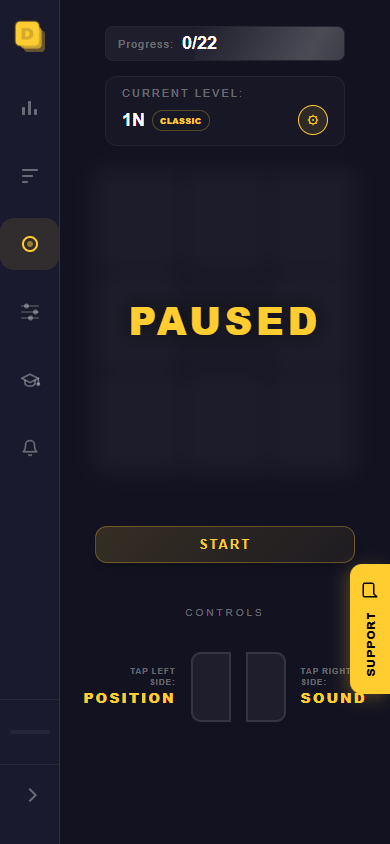
Install the Dual N Back app on your device for one-click access to training. Core training works offline after the first load, with progress saved locally.
Open training directly from your desktop or home screen without searching for the site.
02
Train offline
After the first successful load, core Dual N-Back training remains available without an internet connection.
03
Progress stays on this device
Training results are saved locally and remain available when you return.
Same trainer
Train with Dual N Back on desktop and mobile
The installed app uses the same Dual N Back trainer, scoring, settings and local history. It simply opens in a focused standalone window without the usual browser controls.
The installed PWA opens like a separate program, without an address bar or distracting tabs. Launch it from your desktop, respond with the mouse or F and J keys, and keep progress in the same browser profile.
Why install it on your phone
Launch from your home screenStart training with one tap instead of searching through browser tabs.
Train without internetAfter the first load, the core training modes remain available offline.
More room for the exerciseThe app opens without an address bar and uses the screen for the game board and controls.
Installation
How to install Dual N Back
Choose where you want to train. A short installation guide will appear below.
Computer
Install on a computer
Select the yellow Install app button below.
Select Install again in the window that appears.
The Dual N Back icon will appear on your desktop or in the apps menu.
Android
Install on Android
Tap the three dots in the top-right corner.
Choose Install app or Add to Home screen.
Tap Install — the icon will appear on your home screen.
iPhone and iPad
Install on iPhone or iPad
Open this page in Safari and tap the Share button.
Scroll down and choose Add to Home Screen.
Tap Add — the icon will appear on your home screen.
Another way
If the install button is missing
Open the browser menu and look for Install or Add to Home screen.
If it is not there, open this page in Chrome, Edge or Safari.
Follow the steps for your device from the list on the left.
Offline core
Core training works offline after the first load
See exactly what remains available without a connection and which features still need internet access.
Works without internetAfter the first load
Position, Audio and Dual modes
Results from current training
Settings and local progress
Connection requiredServer features
Initial application load
Training notifications
Application file updates
FAQ
About the installed app
Does Dual N Back work without internet?
Core training works offline after the first successful load. Server-dependent features, including notifications, require an internet connection.
Is an account required?
No account is required for core training and local progress.
Where is my progress saved?
Training results are stored locally on the device/browser.
Does my full training history sync to the server when internet returns?
No. The app does not upload the full local training history to a cloud account automatically. Network-dependent features resume when the connection returns.
Is the installed app different from the website?
It uses the same core Dual N-Back trainer and local settings in a standalone app window.
How do I remove the app?
Use the uninstall or remove app controls provided by the browser or operating system.
Training stays available—even offline
One-click access to Dual N Back
Install the same trainer you already use and return from your desktop or home screen.
 Dual N Back